
How to choose photos for your pet memory book
Pet Life Stories · Published 28 September 2026 · Pet memory guide
A lovely pet memory book does not need twelve perfect portraits. It needs photographs that bring twelve different things to mind: the first day home, the favourite sleeping spot, the person they always followed.
Start with the cover, then choose the memories
Pick a cover photograph where you can see your pet’s face clearly. Open it on your phone at full size: are the eyes sharp enough, and is the face hidden by a hand, a toy or a dark shadow? A quiet background makes a title easier to read. Keep the original rather than a screenshot of the picture.
Next, make a small album on your phone called “Their story”. Add candidates without deleting anything from your main camera roll. This lets you compare the pictures together instead of searching from the beginning each time.
A useful mix for twelve photographs
- One clear cover portrait.
- Two photographs from their early days.
- Two with the people who matter to them.
- Three showing routines, quirks or favourite places.
- Two from outings or family milestones.
- One recent portrait and one picture that simply makes you smile.
This is a starting point, not a rule. If you have only four photographs, give each one a stronger caption. If you do not know a date, use “their first summer” rather than inventing a precise day.
Write the caption the picture cannot tell you
“On the sofa” describes what we can already see. “The cushion she claimed on her first evening—and never gave back” tells a story. For each photo, jot down who is there, roughly when it happened and why your family remembers it.
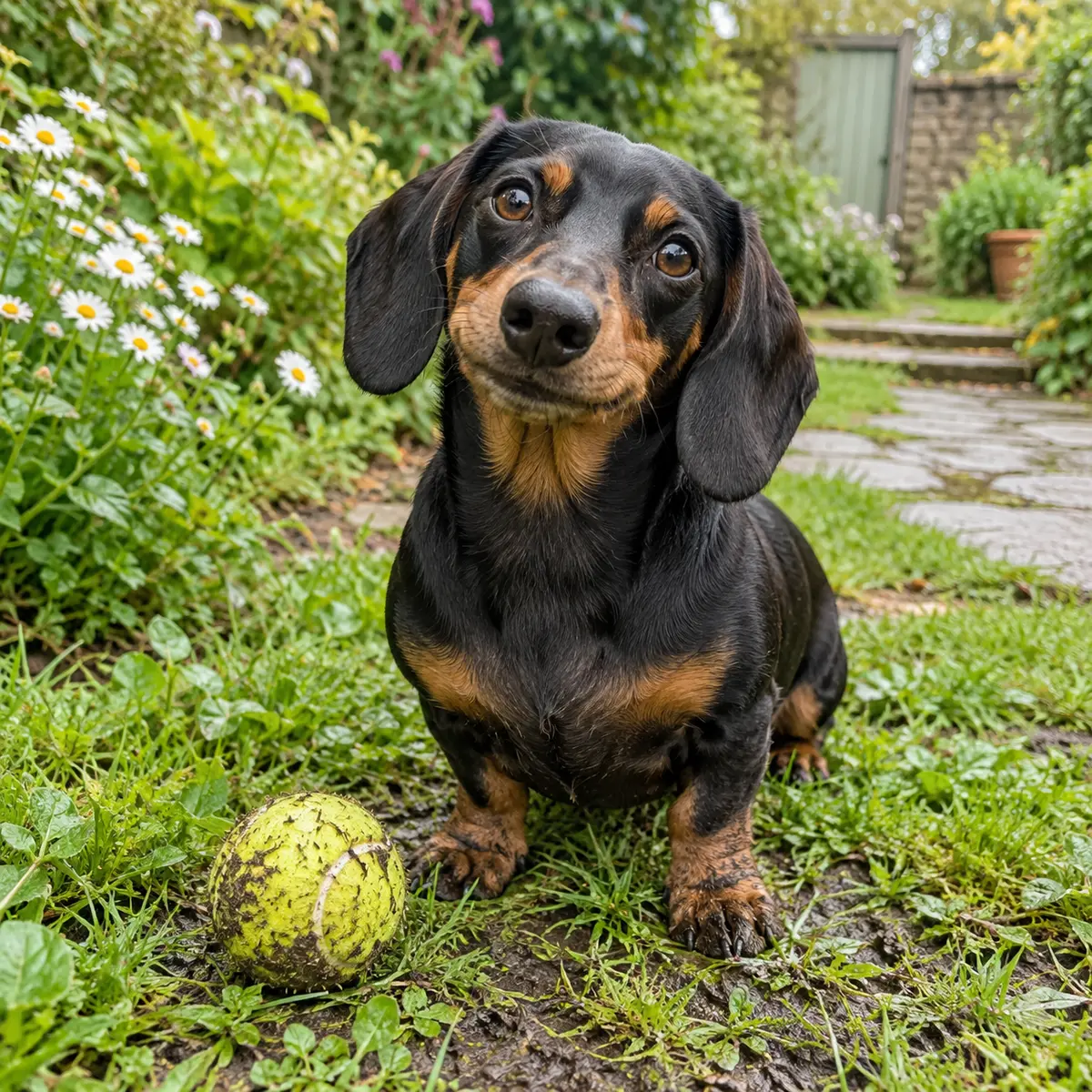
Fictional example: Mabel’s muddy tennis ball is more interesting when the caption explains that she carried it home after every walk, including the walks when nobody threw it.
Keep the whole photograph visible
Portrait and landscape pictures can both belong in a book. Avoid cropping out ears, paws or a family member just to make every image the same shape. Check the finished page, not only the thumbnail. Ask permission before including someone else’s photograph or an identifiable family member.
Try your pictures in a first look
The Pet Life Stories preview lets you select a cover and add up to twelve story photographs. Supported images and answers stay on this device when browser storage is available, so keep your originals too. The fictional sample shows how photographs and memories can share a page.
Make a beginning, with no payment
Try the guided questions and opening preview, or explore the fictional sample book. Your storybook and two-page ideas guide are £19.99 together, with no subscription.
Try the free first lookMore ideas: 35 pet story questions · Choosing your photographs · Stories for cat families